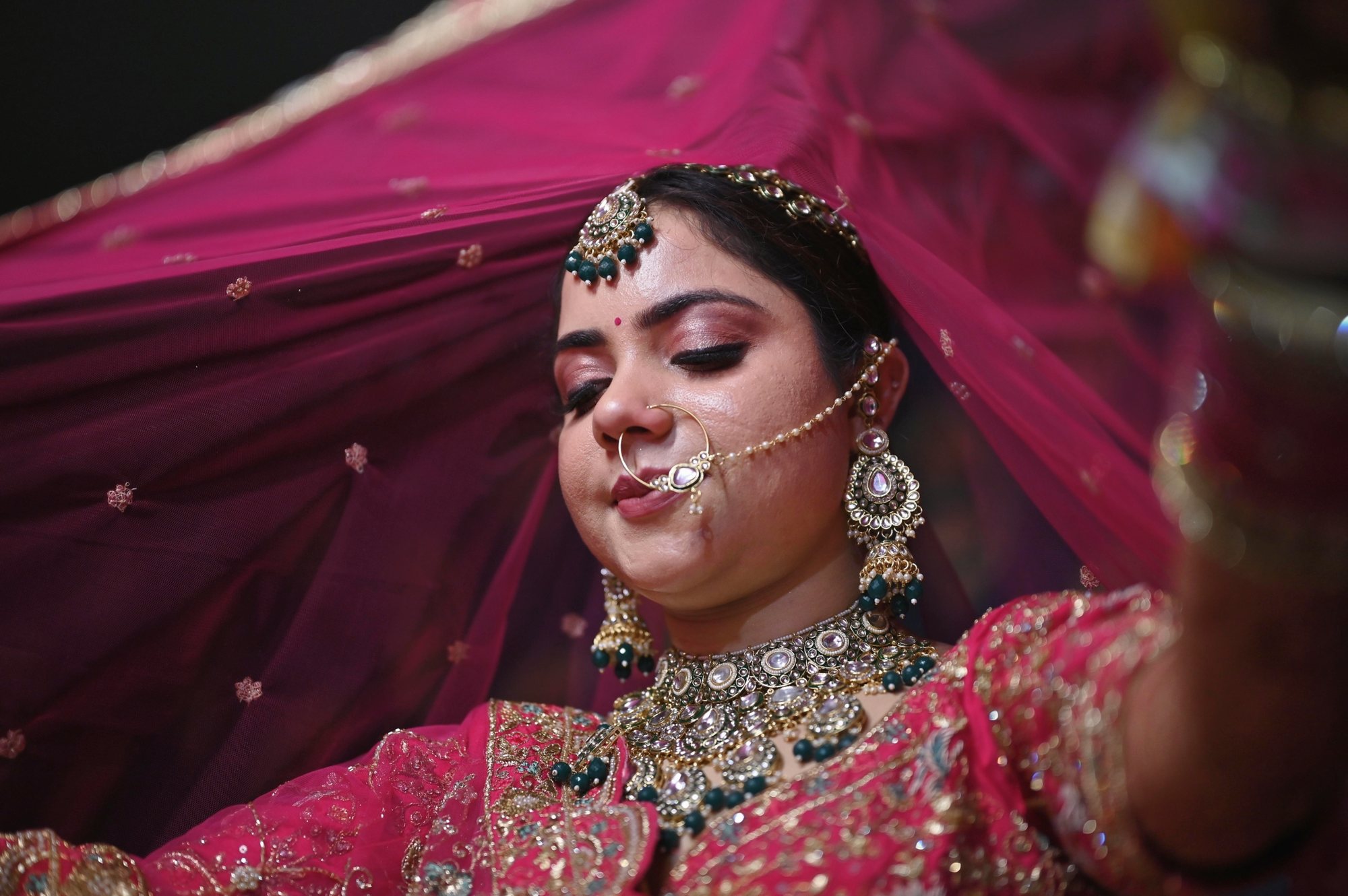
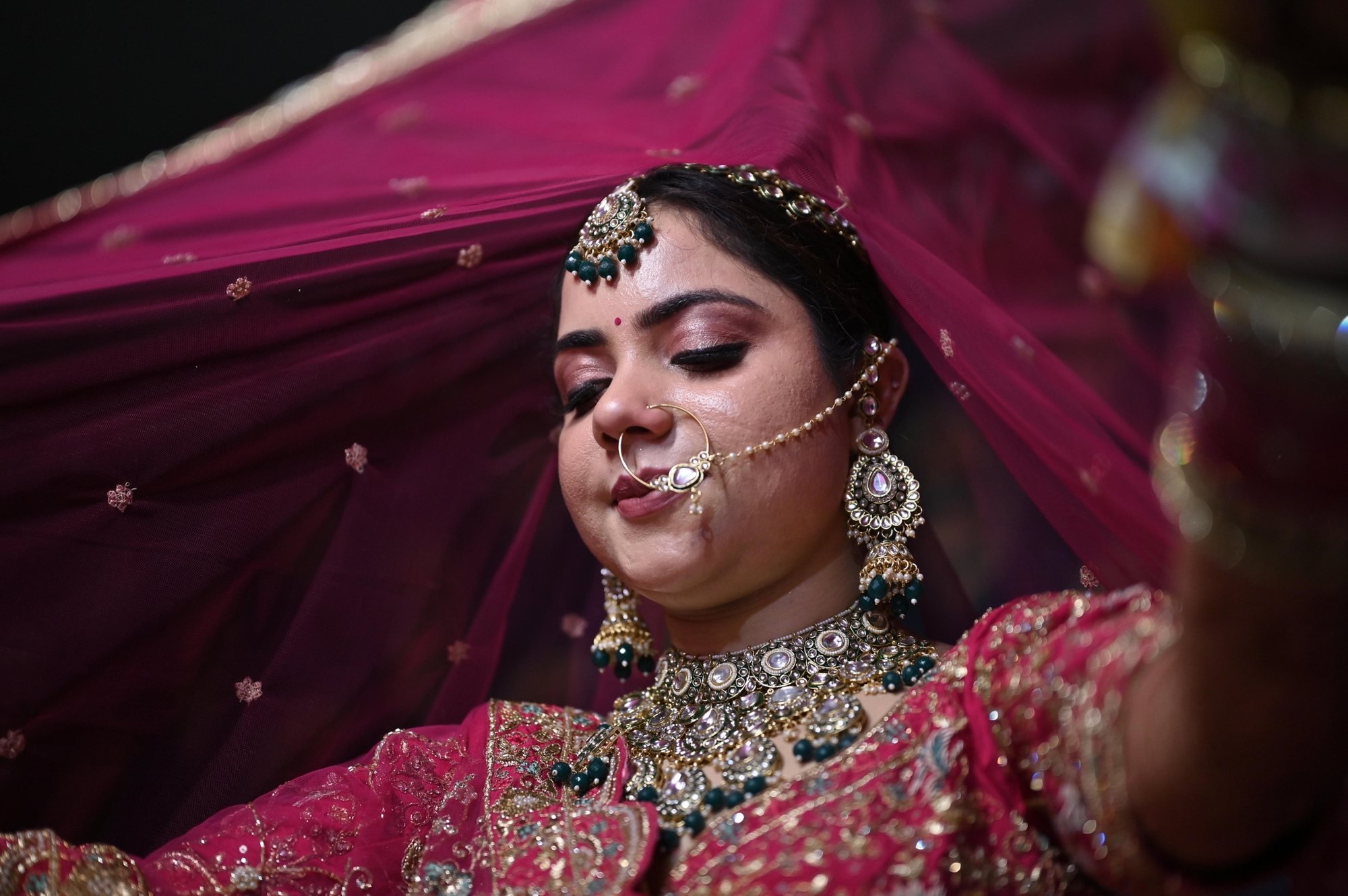
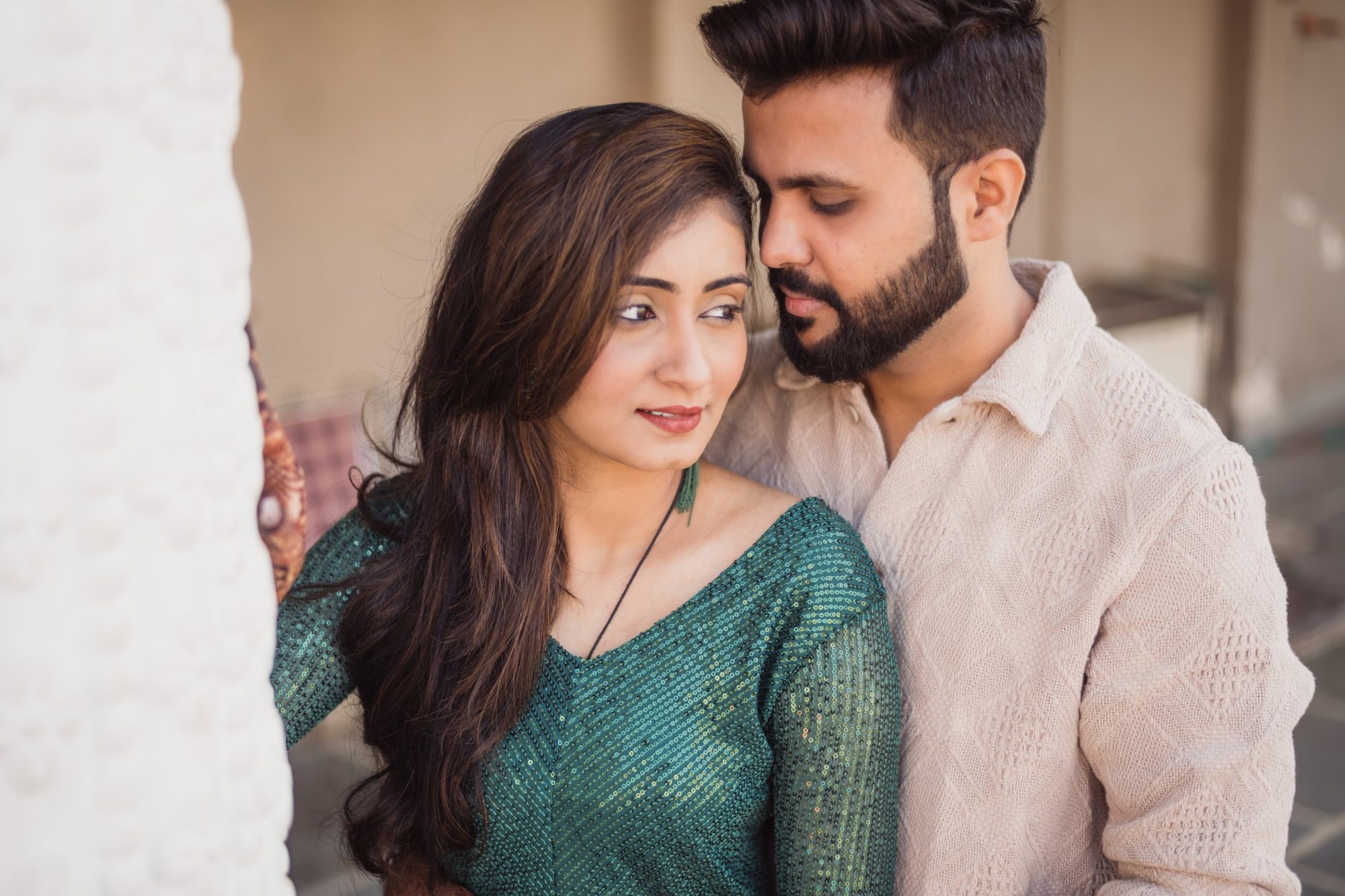
Wedding portrait edited with a Cele-Brat Lightroom AI presetThe same portrait before editingBeforeAfter↔

Cele-Brat Lightroom Presets

Presets that see the skin, the eyes, the sky.

Lightroom presets with adaptive AI masks, made by Cele-Brat wedding photographers on real weddings across Rajasthan. Natural skin, rich colour - one click across a whole wedding.
Why AI-mask presets

Hours of brushing, done before you blink.

01

Masks find the subject

Lightroom detects skin, eyes, lips, teeth, hair, sky and background on every photo.

02

Natural skin, always

Tuned on Indian and international skin - warm, never orange, never grey.

03

Your white balance stays

No preset touches Temperature or Tint. Set WB, then apply.

04

Fully editable

Every mask and slider stays adjustable in the Masking panel.

Facial SkinBody SkinEyesIris & PupilEyebrowsLipsTeethHairFacial HairWhole PersonSkyBackground
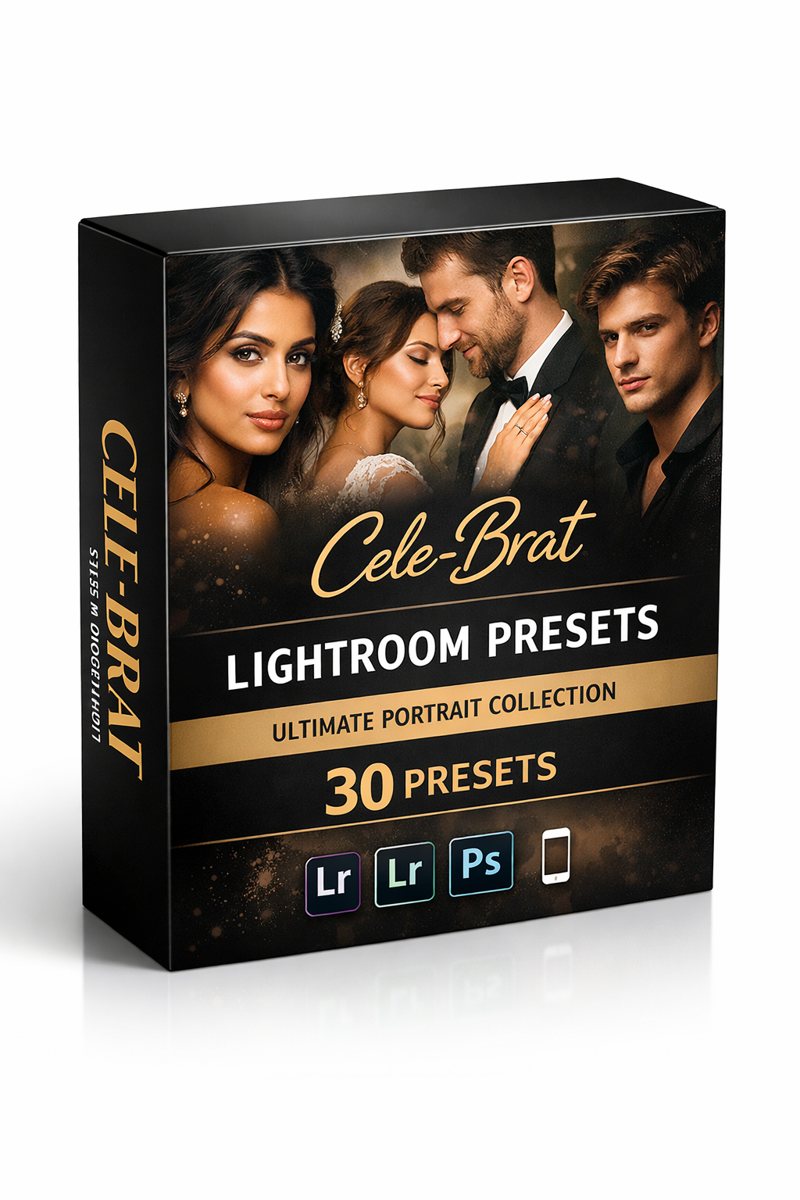
Cele-Brat Signature 30 Lightroom AI presets box

Free sampler

Three presets, on us.

Clean Pop, FreshBrite and Bollywood from our Signature 30 collection, each with tuned AI masks. Free for personal use.

We'll save your email to send occasional Cele-Brat offers. Unsubscribe anytime. Privacy Policy.

Premium presets

The full Cele-Brat collection.

Licence for client work · instant download · UPI and cards.

Cele-Brat Signature 30 Lightroom presets

Signature 30

30 AI presets in six sets: Core, Fresh & Brite, Cine Love, Places, Elegant, Pastel.

View
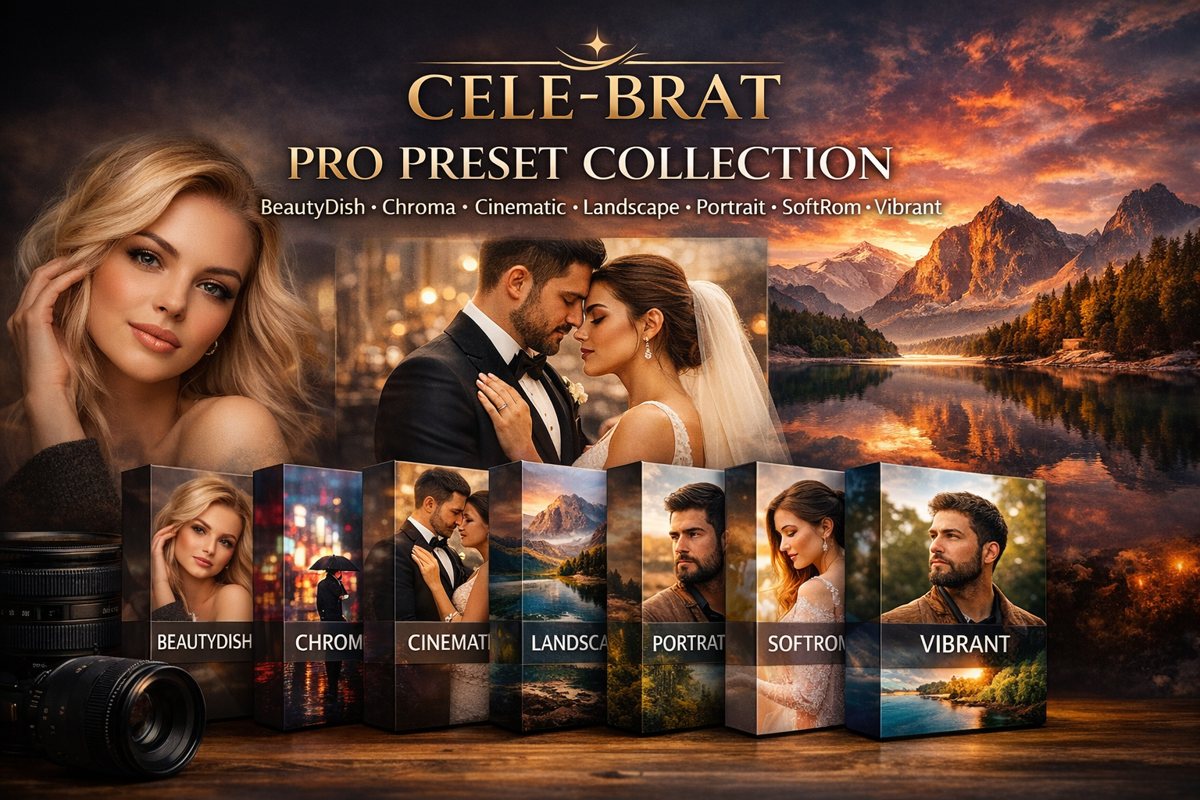
Cele-Brat Pro Preset Collection

Pro Collection

7 AI presets: Beauty Dish, Chroma, Cinematic, Landscape, Portrait, SoftRom, Vibrant.

View
Cele-Brat Signature Complete - all 37 AI presets

Signature Complete

All 37 Signature AI presets - Pro Collection and Signature 30 together.

View
Cele-Brat Looks - 100 Lightroom looks

Cele-Brat Looks

100 looks for weddings, portraits, street and landscape - 500 presets, AI editions and S-Log3 LUTs. From

Explore the looks

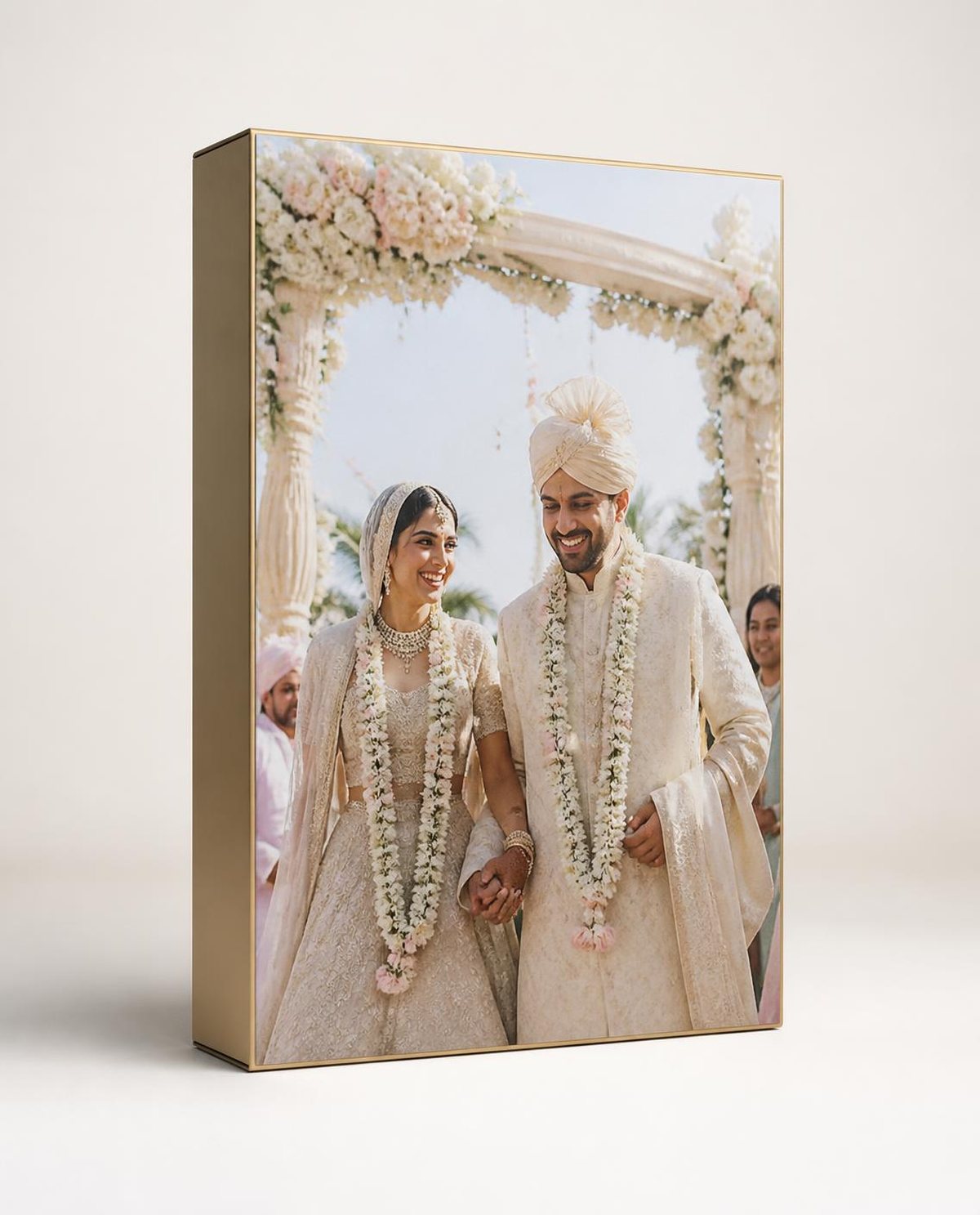
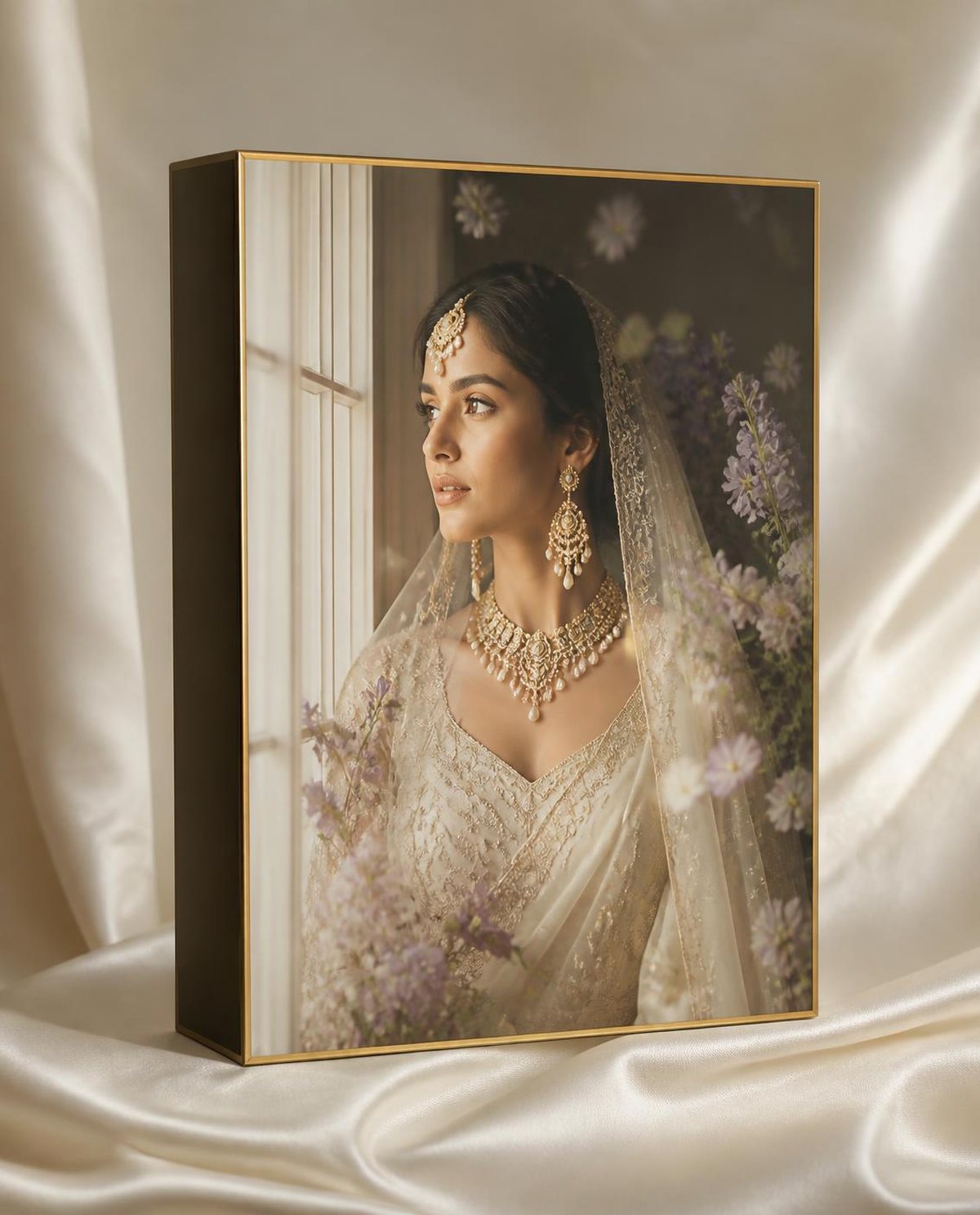
Daylight Vows Lightroom presets Quartet

Daylight Vows

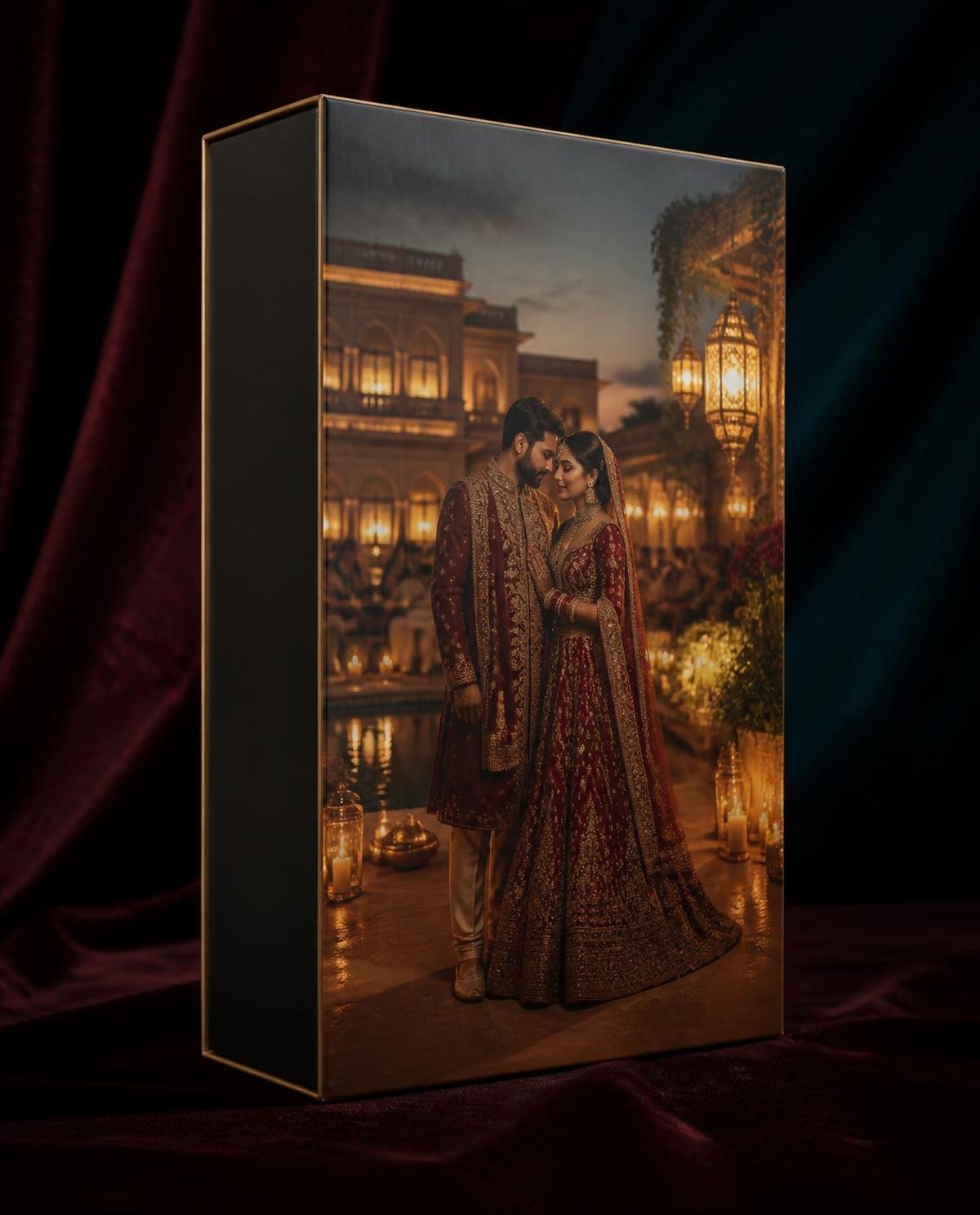
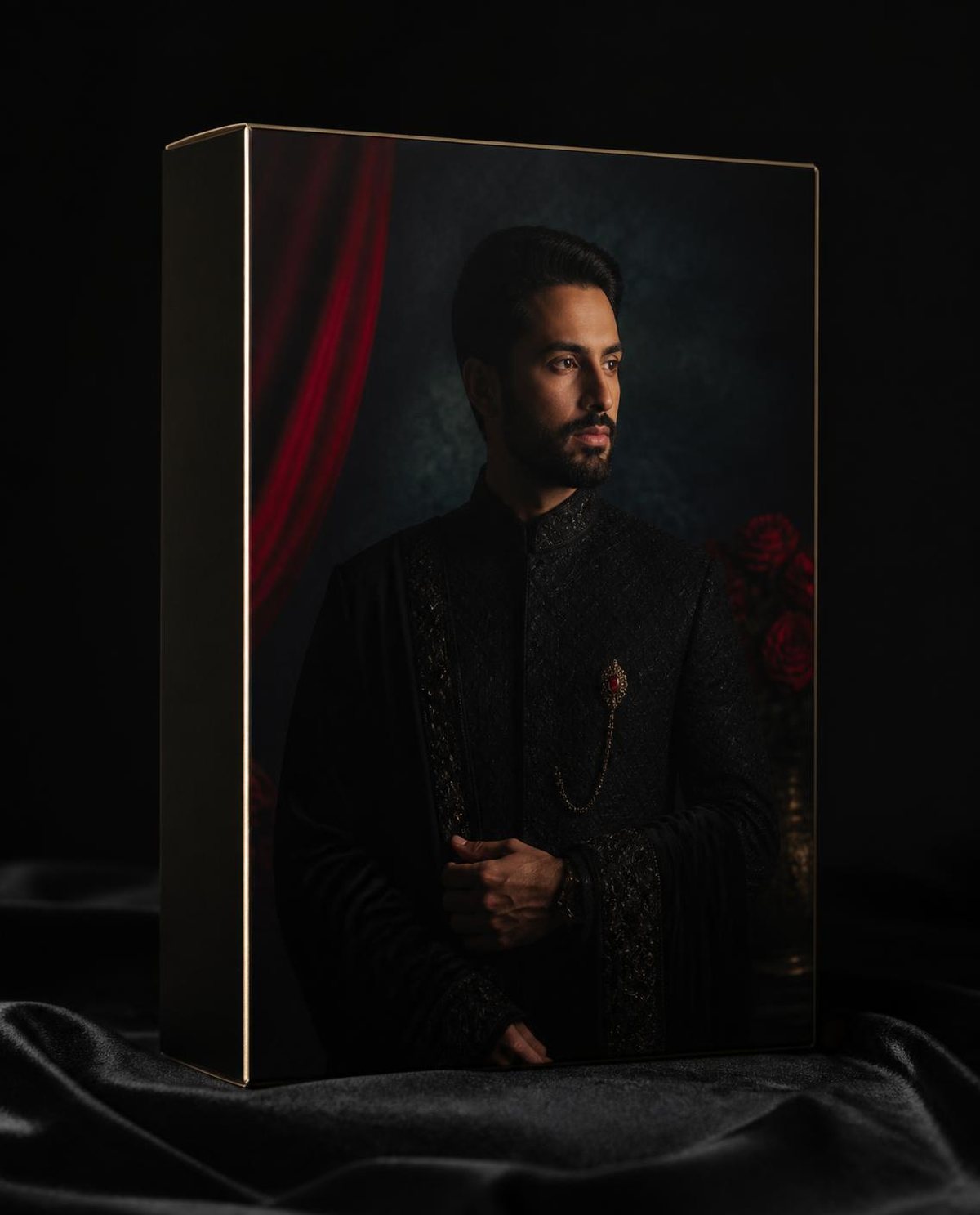
Evening Royale Lightroom presets Quartet

Evening Royale

Velvet Glamour Lightroom presets Quartet

Velvet Glamour

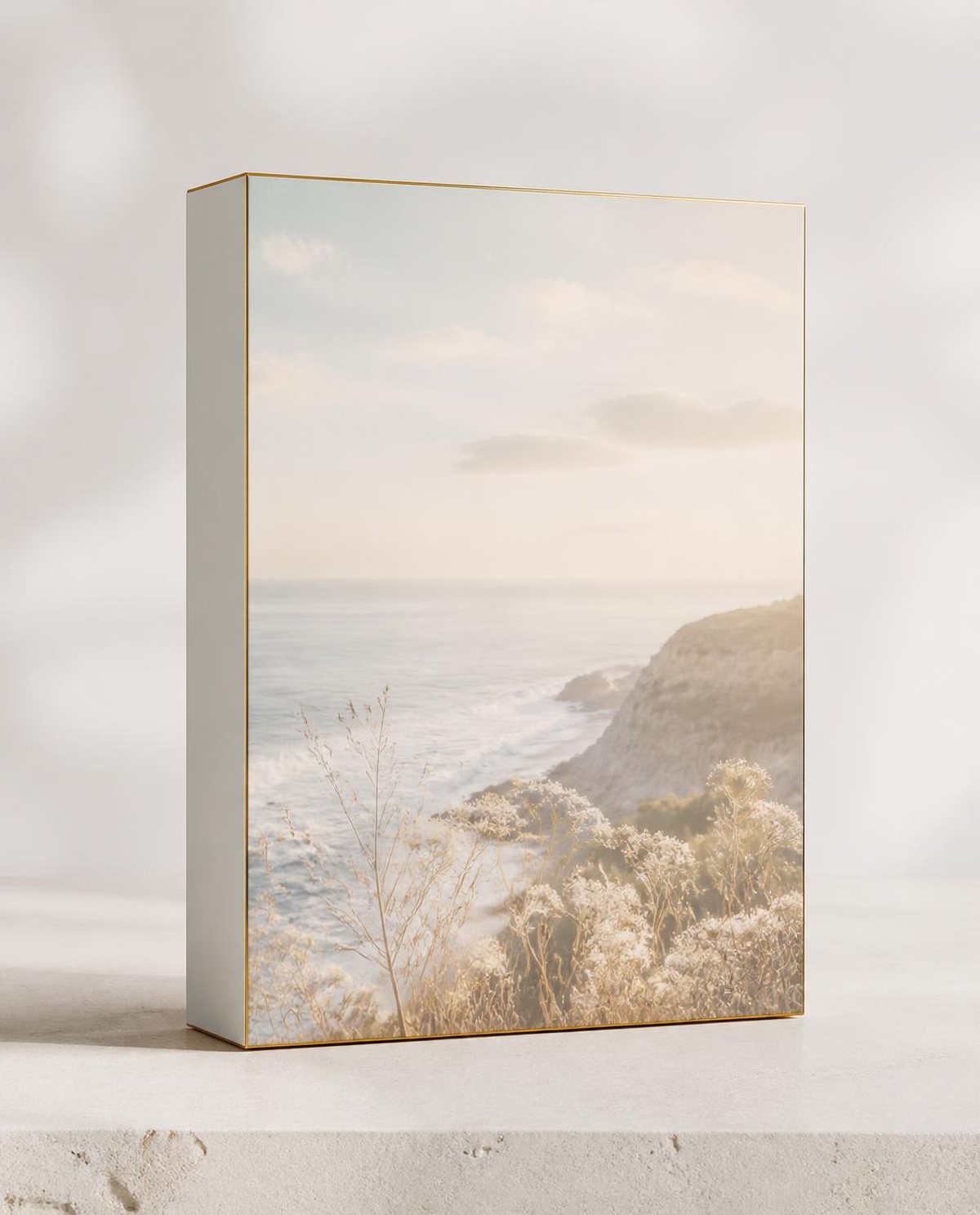
Airy Fine-Art Lightroom presets Quartet

Airy Fine-Art

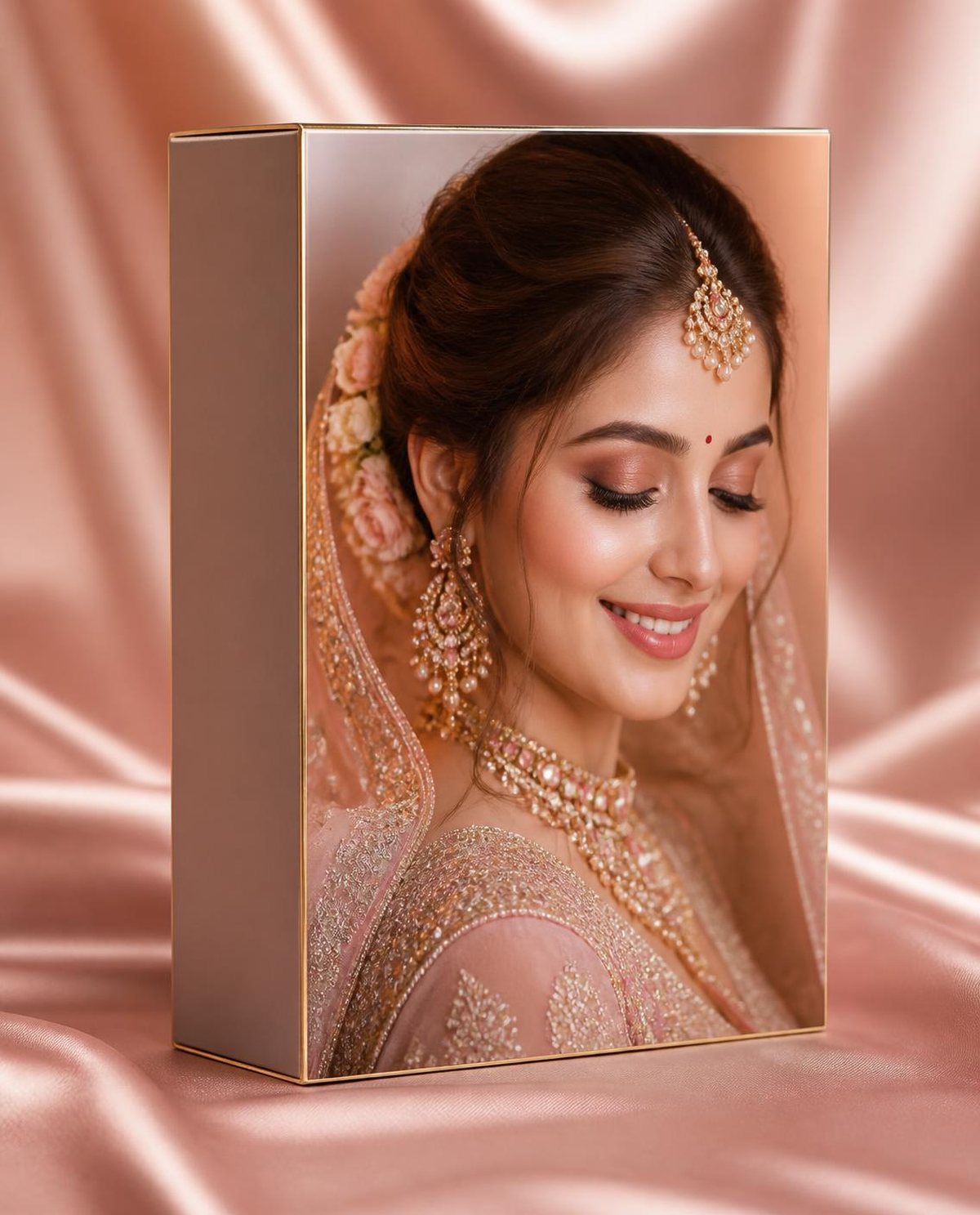
Bridal Beauty Lightroom presets Quartet

Bridal Beauty

Moody Cinema Lightroom presets Quartet

Moody Cinema

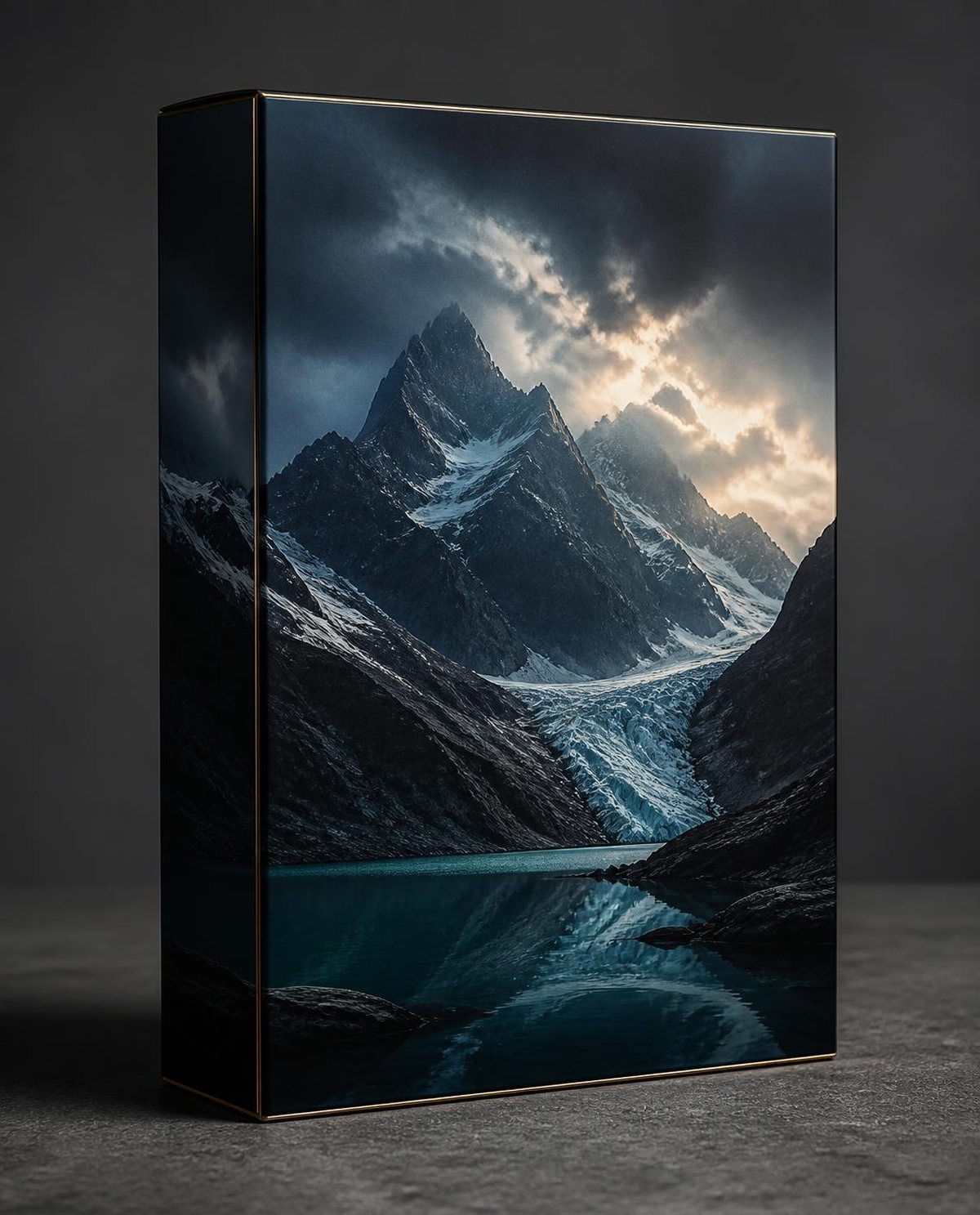
Mountain Drama Lightroom presets Quartet

Mountain Drama

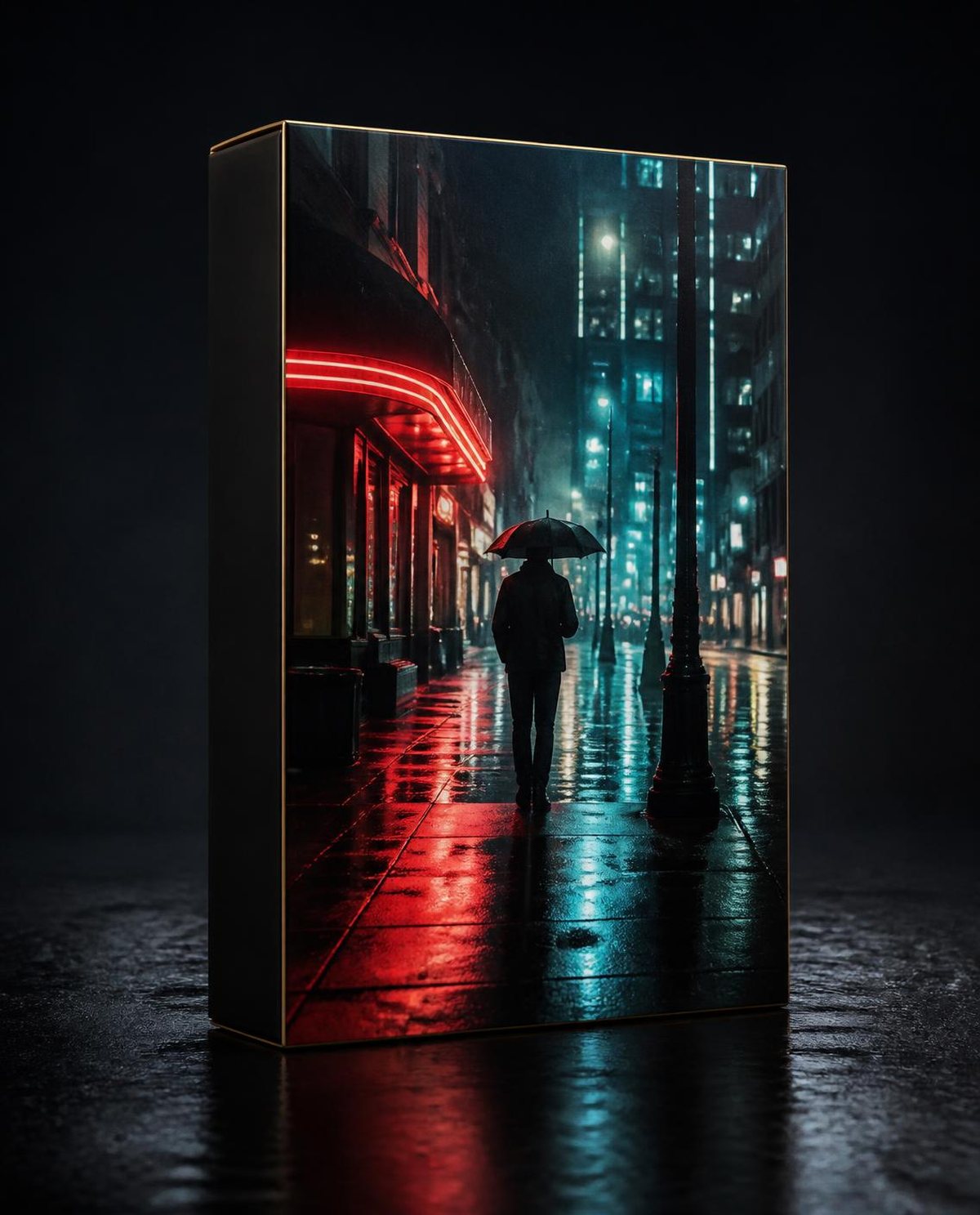
Night Cinema Lightroom presets Quartet

Night Cinema

Everything you need to know

Inside every preset

  1. Tone curve, colour grading and HSL tuned for weddings and portraits
  2. Adaptive AI masks for skin, eyes, lips, teeth, hair, sky and background
  3. Texture, clarity and noise settings that keep skin smooth and detail sharp
  4. Non-destructive .xmp files for RAW and JPEG

Works with

Lightroom Classic 12+ on Windows and macOS · Lightroom desktop, cloud and mobile 6+ on iOS and Android · Adobe Camera Raw 15+ and Bridge.

Made for

Wedding, portrait and lifestyle photographers, content creators and anyone who wants consistent premium colour - no advanced skills needed.

Install in a minute

  1. Lightroom Classic: Develop → Presets → “+” → Import Presets
  2. Lightroom desktop / mobile: File → Import Profiles & Presets (syncs to your phone)
  3. Camera Raw: Presets → “…” → Import Profiles & Presets

A note from Cele-Brat

“Every preset here started on a real wedding - palace lawns in Pushkar, haveli nights in Ajmer, celebrations across India. We built them so you can deliver the same polished, natural look in minutes.”

- Team Cele-Brat · cele-brat.com

Lightroom presets FAQ

What are AI masking Lightroom presets?

Presets that apply a colour look and also add Lightroom's adaptive AI masks for skin, eyes, lips, teeth, hair, sky and background. The masks are re-detected on every photo, so local edits adapt to each image.

Which Lightroom versions are supported?

Lightroom Classic 12 or later, Lightroom (cloud, desktop and mobile) 6 or later, and Adobe Camera Raw 15 or later. Presets are .xmp files and work on RAW and JPEG.

Are the presets free?

A 3-preset sampler is free for personal use. The Pro Collection (7 presets) is ₹999, Signature 30 is ₹1,999, and premium Quartets start at ₹499 - all with a licence for client work.

Do the presets change white balance?

No. Set white balance first, then apply the preset. Skin tones are tuned to stay natural on Indian and international skin.

How do I install Lightroom presets?

Lightroom Classic: Develop module, Presets panel, '+', Import Presets. Lightroom desktop or mobile: File, Import Profiles & Presets (syncs to your phone). Camera Raw: Presets panel, '...', Import Profiles & Presets.

Cele-Brat Looks

More premium presets are waiting.

Shop premium presets